Today's Updates
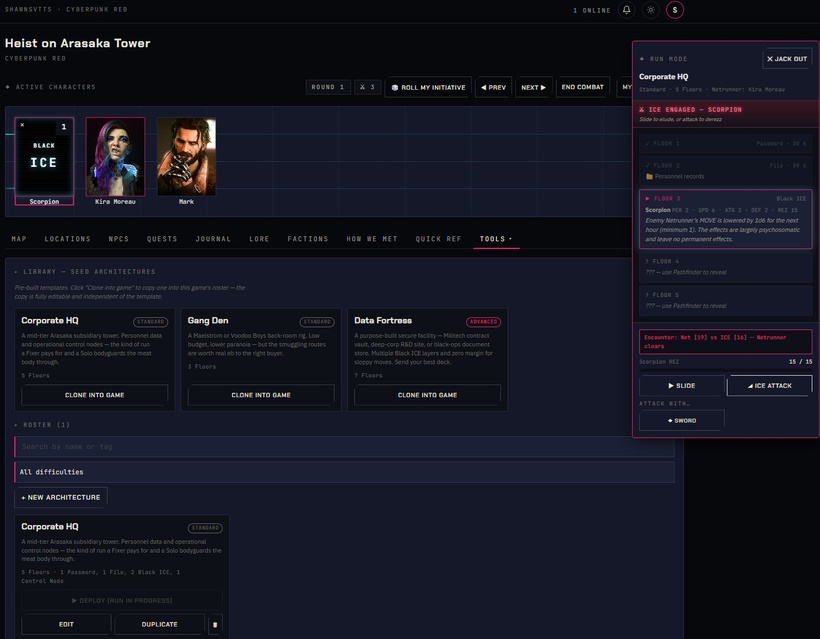
Cyberpunk VTT: It's coming!
The GM Library authoring side has been in place for a while — you can create your own Roles, Skills, Cyberware, Equipment, Programs, Enemies, and more. But authoring content and using it at the table are two different things. Today, the loop closes: GMs can now select exactly which library items are active in each specific game they run.
Custom Content pop-up in your profile menu. While inside a game, GMs see a new "Custom Content" option in the top-right profile menu. Click it to open the per-game content manager: a pop-up showing all 12 content kinds in a tabbed view.
Toggle custom content on or off, per game. Each item you've authored in your GM Library shows up here with a simple Enabled / Disabled toggle. Flip one on, and it immediately becomes available for that game's character creation and wizard flows. Flip it off, and it disappears from those menus, and existing characters aren't affected.
One library, many games. Your GM Library is yours, not tied to a single game. Run a corporate intrigue campaign and a street-level gig campaign side by side? Enable your "MegaCorp Security" custom enemy and "Corporate Exec" custom role in one game, and a completely different content set in the other. The same source, different tables.
Bulk controls. "Enable all in tab" and "Disable all in tab" let you swap an entire content kind in or out with one click. "Enable all content" arms everything in your library for the current game in one shot — useful when you're starting a new campaign and want everything available up front.
Old School Fantasy VTT: Encounter Builder Is Live — Drag Monsters to the Map
The biggest feature in OSF VTT's early life just landed: a full encounter builder with drag-to-map combat tokens.
Encounter Builder. Build encounters right from the battle map. Pull in monsters from your GM Library or your custom enemy roster, arrange them into waves (staggered reinforcements that join on later rounds), then drag the encounter token to wherever on the map you want it. When you hit Start Encounter, each creature spawns as its own combat token with an initiative roll, right at that spot on the grid.
Open to everyone. The early access gate is now gone. OSF VTT is now publicly available at (https://osf.shawnsvtts.com) — share it with your players, post it in your community, run a game tonight.
Try Demo button. Hit the landing page without an account and you'll see a Try Demo button — one click drops you into the Moonlit Steele allowing you to see the VTT fully populated before creating your own game.